Both the Import and Export functions for clients require various selections and assignments in order to operate. Rather than require these steps to be repeated with each import or export, COMPASS provides the option of saving them as templates.
On the final window of the import or export wizard, the Save button displays the Save Template window.
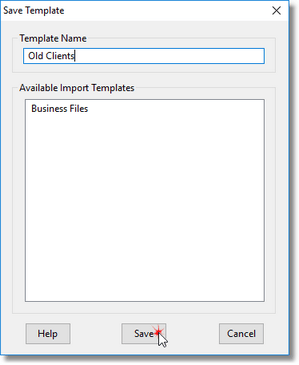
Save Template
Enter a unique name to save the template under and click Save to store it. To replace an existing template with a new one, click on the name of the existing template to load the name into the Template Name field, then click Save.
Template names must be unique among both template types (import and export). If there is an export template named "Business Files", attempting to save an import template under the same name will produce an error.