During the normal course of using COMPASS, the program's database will grow in size. Over time, a certain amount of "bloat" will take place when schedule or traffic revisions occur, or when items are copied from one schedule to another. While such excess growth is minimal, we've provided a way to, from time to time, optimize the database, reducing it to its most compact form.
On the COMPASS main program window, choose Tools > Compact Database from the main menu. This menu item is only available when:
•In Network mode, on the PC hosting the COMPASS server, and no other users have locked the database by opening a schedule or traffic, or;
•In Local mode, working with the local database on the PC.
Client (remote) users do not have access to this feature on their machines.
Clicking Compact Database will either alert you, if in Network mode, that another user has locked the database, or the number of bytes by which the database has been reduced.
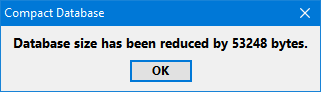
Compact database results
It is usually recommended to compact the database every five or six months of use.