Similar to the Unissued Traffic Report, the Expiring Traffic Report indicates issued traffic instructions that are about to expire.
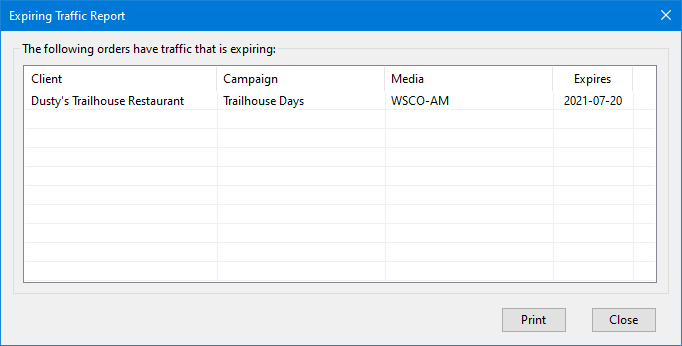
Expiring Traffic Report
The number of days COMPASS "looks ahead" for expiring traffic is set in Program Options.
The report can be manually selected from COMPASS's main menu Tools > Expiring Traffic Report whenever desired. It can also be selected to be generated automatically on each day's first use of the program via the Traffic Options section of Program Options.
Items listed on the report can be addressed by using the left mouse button to double click the line. This opens the Traffic Instructions window where traffic may be entered or issued to media, as needed.
The items listed in the report may also be printed by clicking the Print button.