COMPASS's Tip of the Day highlights little-known features of the software in a pop-up window that displays each time the program starts.
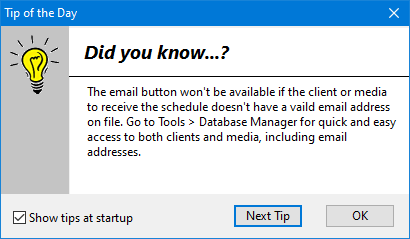
Tip of the Day
The Tip of the Day is turned on by default, but can be disabled by removing the check from the box Show tips at startup. To view tips at any time, select Help > Tip of the Day from the main menu. If tips at startup were previously disabled, they can be re-enabled by checking the Show tips at startup once again.